Claude Code in your browser: point, don't describe
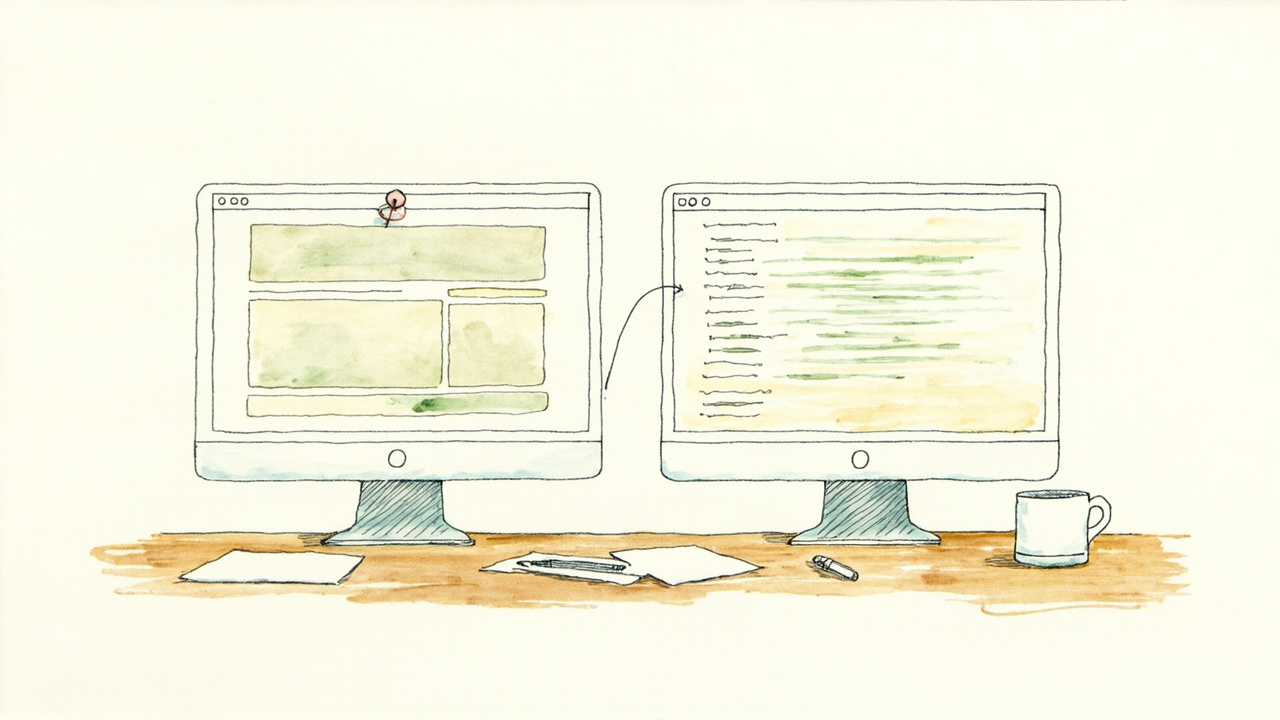
Two Chrome extensions connect Claude Code to your browser. Claude in Chrome lets the agent read the page you are looking at. Vibe Annotations lets you click the broken element instead of describing it.
Below are the install steps for both, the daily loop we run on this site, and the two places the setup caught us out.
Piece 1: let Claude Code see the page
Claude in Chrome hands Claude Code the DOM, the console, the network requests and the ability to click. The agent can now check whether its own CSS worked.
You need all four:
- A direct Anthropic plan: Pro, Max, Team or Enterprise. Amazon Bedrock, Google Cloud and Microsoft Foundry access does not carry the feature.
- Chrome or Edge. Brave, Arc, Vivaldi and Opera are detected too. WSL is not supported.
- The Claude in Chrome extension at 1.0.36 or higher.
- A signed-in session.
Then:
- Install the extension from the Chrome Web Store.
- Launch with
claude --chrome. The first run shows a one-time permissions dialog. Enable the Chrome permission there. Without it the browser tools never load. - Run
/chrome. You want “Status: Enabled” and “Extension: Installed”.
Trap one: an API key silently kills the flag. The extension cannot authenticate with an API key or a long-lived claude setup-token token, so --chrome does nothing and says nothing. Sign in with /login instead.
Trap two: a fresh install needs a Chrome restart. Claude Code writes a native messaging host config on first use, and Chrome reads that file only at startup.
The /chrome panel also offers “Enabled by default”. We leave it off, because browser tools then load into every session, including the ones that never open a page.
Piece 2: point at the element instead of describing it
Vibe Annotations is a Chrome extension plus a local server, MIT licensed and free. You click an element on your running app and type what is wrong.
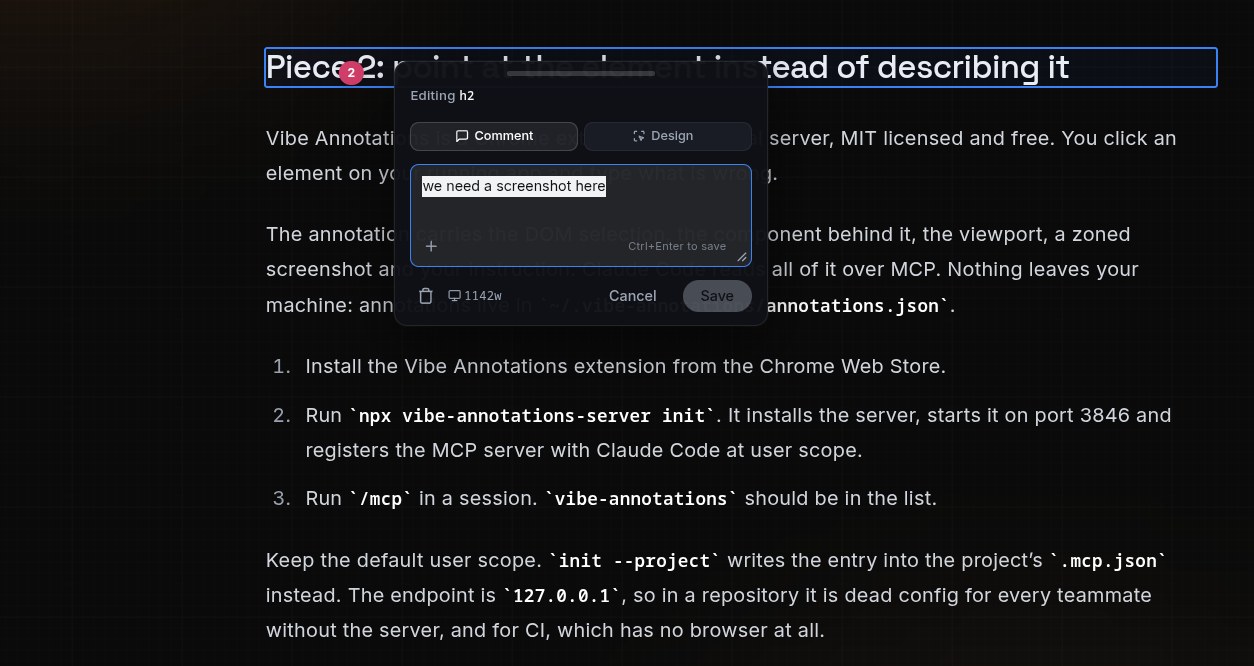
This is the annotation that asked for this screenshot.
The annotation carries the DOM selection, the component behind it, the viewport, a zoned screenshot and your instruction. Claude Code reads all of it over MCP. Nothing leaves your machine: annotations live in ~/.vibe-annotations/annotations.json.
- Install the Vibe Annotations extension from the Chrome Web Store.
- Run
npx vibe-annotations-server init. It installs the server, starts it on port 3846 and registers the MCP server with Claude Code at user scope. - Run
/mcpin a session.vibe-annotationsshould be in the list.
Keep the default user scope. init --project writes the entry into the project’s .mcp.json instead. The endpoint is 127.0.0.1, so in a repository it is dead config for every teammate without the server, and for CI, which has no browser at all.
The daily loop
- Start your dev server and open the app on localhost.
- Click Annotate in the extension toolbar.
- Click an element, type what is wrong. Repeat across as many pages as you like.
- In Claude Code, say: read and implement my vibe annotations.
Batching is the point. Walk the whole flow leaving annotations as you go, then hand over one queue. Claude Code pulls each annotation with its element attached and never asks which button you meant.
For a hands-free version, say start watching vibe annotations. It long-polls and picks up new ones as you create them.
Or type /loop process vibe annotations. The built-in loop command re-runs that prompt on its own schedule, so new annotations get picked up while you keep annotating. We edited this post that way.
Where it breaks
| Symptom | Fix |
|---|---|
| Browser will not connect | Restart Chrome, then /chrome and pick Reconnect extension |
| Tools stop working after an idle stretch | The service worker went to sleep. /chrome, Reconnect extension |
| Claude cannot see any annotations | Run vibe-annotations-server status. It is a separate process and can stop on its own |
| The wrong browser opens | /chrome, then Select browser |
--chrome appears to do nothing | You are on an API key or a setup token. Sign in with /login |
Server controls: vibe-annotations-server status, stop, restart.
Three limits before you build a workflow on this:
- Annotations are a localhost tool, not a production bug tracker.
- Both pieces are local and interactive, so neither exists in headless CI. Our Gitea agent validates with
npm run buildand nothing else. - Screenshots and recorded GIFs capture whatever is on screen, logged-in accounts included.
What actually changed
Neither extension makes the model better at CSS. They delete the translation step between what you can see and what you can say.
Look, describe, wait, correct becomes look, click, hand over. The agent stops guessing which button you meant, because you already told it by pointing.
Since we stopped describing, our round trips per small UI fix went from three or four to about one. Our own observation on one codebase, not a benchmark.
If a fast build got your front end this far and it now needs someone to make it hold, that is the work we do. Get in touch.